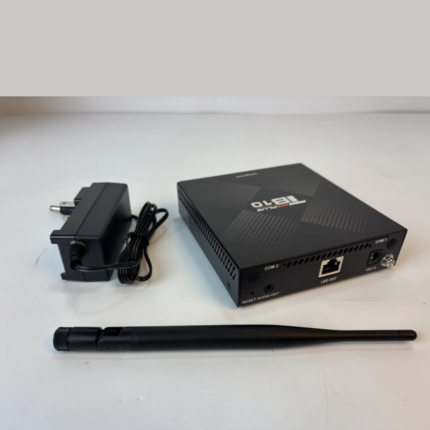
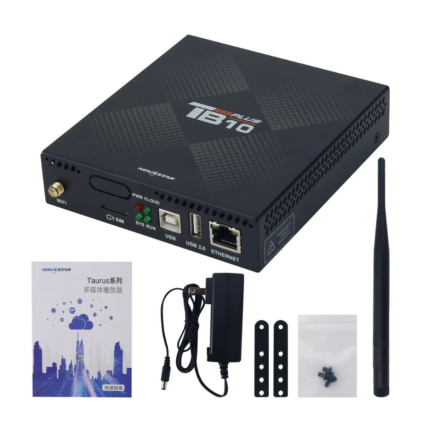
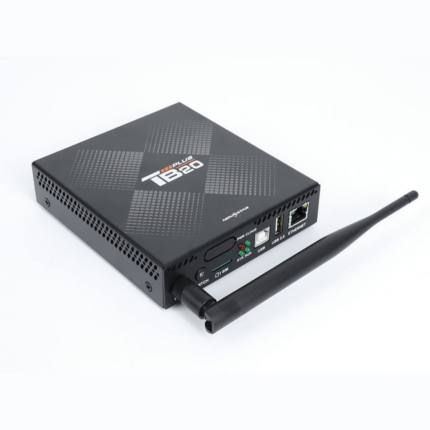
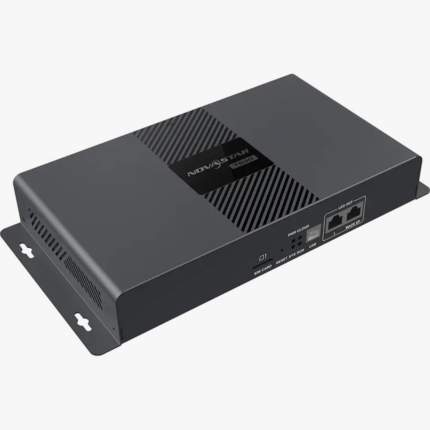
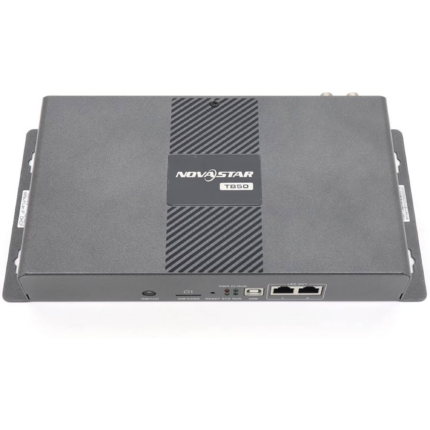
TB40 Novastar Controller
The NovaStar TB40 is a next-generation multimedia player created specifically for full-color LED displays. It integrates playback and sending capabilities into a single device, allowing users to publish content and control screens locally via a computer, mobile phone, or tablet. When used alongside NovaStar’s cloud-based publishing and monitoring platforms, the TB40 allows users to manage displays remotely from any internet-connected device.
Characterized by its reliability, intelligent control, and ease of use, it is a versatile choice for commercial displays and smart city installations. Typical applications include fixed displays, lamp-post screens, retail environments, chain stores, digital advertisements, and shelf displays.
Technical Specifications & Features
Core Performance & Capacity
-
Pixel Loading Capacity: Supports a total loading capacity of up to 1,300,000 pixels. The maximum width and maximum height can each be configured up to 4096 pixels. Non-standard custom resolutions are also supported.
-
Processing Hardware: Powered by a quad-core ARM A55 processor clocked at 1.8 GHz with hardware-accelerated 4K video decoding.
-
Memory & Storage: Features 1 GB of onboard RAM and 32 GB of internal solid-state storage.
-
Flawless Playback: Smoothly decodes concurrent video streams up to 1x 4K, 2x 1080p, 5x 720p, 6x 480p, or 6x 360p videos.
Note: Media files with source resolutions between 2K and 4K are automatically natively converted into 4K during playback.
Dual-Mode Playback & Video Processing
-
Asynchronous Mode: Operates autonomously utilizing the device’s internal video source/storage.
-
Synchronous Mode: Displays external live feeds in real time using the dedicated HDMI 1.3 input connector.
-
Hardware Scaling Constraints: In synchronous mode, the input source can be automatically scaled full-screen to fit the display. However, full-screen scaling requires the source dimensions to be between $512 \le \text{width} \le 2048$ pixels and $512 \le \text{height} \le 2048$ pixels, with a maximum resolution of $1920\times1080$. The video image can only be scaled down; it cannot be scaled up.
Hardware Interfaces & Connectors
-
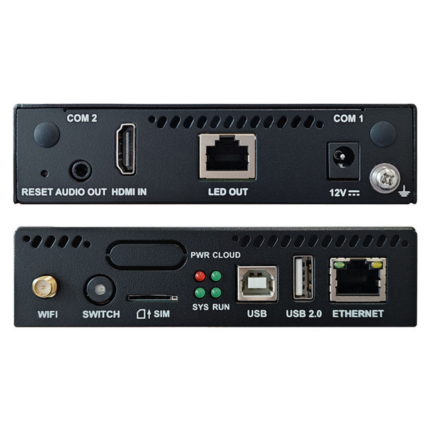
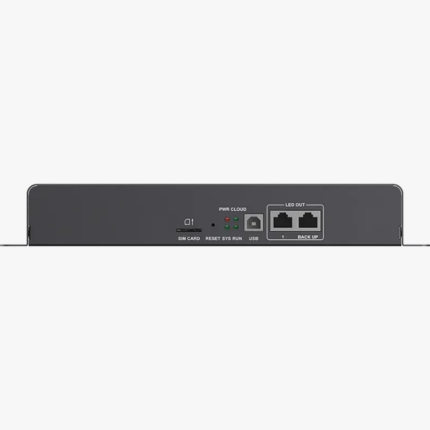
Display Output: 2x Gigabit Ethernet ports. By default, both ports serve as primary outputs, but they can also be configured in a primary/backup hardware loop.
-
Video Loop Output: 1x HDMI 1.3 output connector supporting a maximum loop resolution of 1920×1200 @ 60Hz.
-
Control Ports: 1x Fast Gigabit Ethernet port and 1x USB Type-B port for local LAN, public network, or direct-PC control and content publishing.
-
USB Storage Interface: 1x USB 3.0 (Type A) port allowing direct USB media playback, firmware upgrades, and external storage expansion.
-
Audio Out: 1x 3.5mm stereo audio output connector supporting standard three-pole audio jacks with a fixed sample rate of 48 kHz.
-
Environment Monitoring: 2x dedicated sensor connectors to plug in external brightness, temperature, or humidity sensors.
-
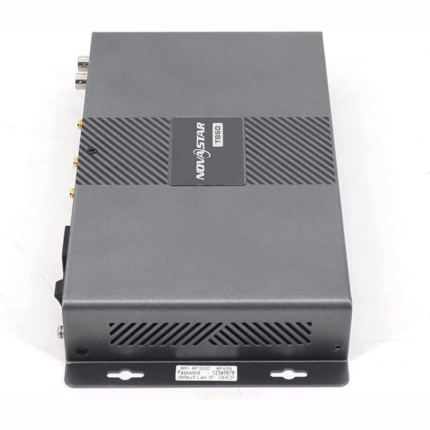
Antenna Slots: Physical expansion slots for a 2.4 GHz Wi-Fi antenna , an optional GPS antenna (COM 2) , and an optional 4G module antenna (COM 1).
System Control & Connectivity
-
Simultaneous Wi-Fi Modes: Supports turning on Wi-Fi AP (local hotspot connection) and Wi-Fi Sta (station network client connection) at the same time.
-
Network Redundancy Priority: Automatically routes data based on connection availability using a structured hierarchy: Wired network > Wi-Fi network > 4G network. (Note: The 4G cellular module is sold separately ).
-
Multi-Screen Sync: Supports frame-accurate synchronous playback across separate display screens via Network Time Protocol (NTP), GPS time syncing, or RF modules. Enabling multi-screen sync halves the device’s simultaneous video decoding headroom.
-
System Software: Powered by an Android 11 base operating system bundled with custom terminal application software and dedicated FPGA control programs.
Data Reference Tables
Front Panel Indicators & Button Control
| Component / Indicator | Color | Physical Status | Operational Description |
| SWITCH | N/A |
Manual Toggle |
Toggles the active source between asynchronous and synchronous modes. |
| Green |
Staying on |
Operating in Synchronous Mode (Active HDMI input feed). |
|
| N/A |
Off |
Operating in Asynchronous Mode (Internal storage playback). |
|
| RESET | N/A |
Hold 5 Seconds |
Resets the device to its default factory settings. |
| PWR |
Red |
Staying on |
Power supply is stable and working properly. |
| SYS |
Green |
Flashing (every 2s) |
The Android operating system is functioning normally. |
|
Green |
Staying on/off |
The operating system is experiencing a malfunction. |
|
| CLOUD |
Green |
Off |
The device has no local network or internet connection. |
|
Green |
Staying on |
Internet connection is established and available. |
|
|
Green |
Flashing (every 2s) |
Successfully authenticated and linked to the VNNOX cloud platform. |
|
|
Green |
Flashing (every 1s) |
The system software/OS upgrade is currently in progress. |
|
|
Green |
Flashing (every 0.5s) |
Actively copying upgrade packages or media files from a USB drive. |
|
| RUN |
Green |
Flashing (every 4s) |
The FPGA is functional but detects no incoming video source. |
|
Green |
Flashing (every 0.5s) |
The FPGA is active and processing video source frames normally. |
|
|
Green |
Staying on/off |
FPGA program loading or hardware initialization is abnormal. |